Convert, built into Nemi
Wrong format? Fixed where the file is.
Convert files right where they live across more than 100 formats. No uploading to random websites.
Studio North › Campaign
Convert
Convert to
1 selected. Select or deselect the files around the panel and it follows. Nothing here leaves your browser.
120 formats in. 2,778 ways out.
This is the list the engine actually works from. Pick a format and see everything it can become, the way the Convert panel shows it for a file of that kind.
Image
Vector
Document
Ebook
Markup
Spreadsheet
Audio
Video
Subtitles
A file ending in
.heic
can become 24 formats, 12 of them with a stop on the way.
Dashed means the engine takes a route through a format in between. It finds the route itself, so you still pick the format once.
How it works. Convert in three steps.
1.
Select it
Pick one file or a few hundred anywhere in your workspace, then click Convert in the bar.
2.
Pick the format
Only the formats that file can actually become are shown, along with the settings that matter.
3.
Keep or download
Download the result, or save it right beside the original, which stays untouched.
The fine print, in large type.
A HEIC that won't open, a MOV that needs to be an MP4, or a Word doc that should be a PDF. Convert files right where they live across more than 100 formats, with the new file landing next to the original. No uploading to random websites.
- 01
Our own Rust engine
Conversions run on an engine we wrote, on our own hardware in the Netherlands, not on a third-party service. Convert hundreds of images in one batch.
- 02
It lands right in the folder
No downloading, no re-uploading, and no file called final_v2 (1).mov lost in your Downloads folder.
Built into every app, like this one.
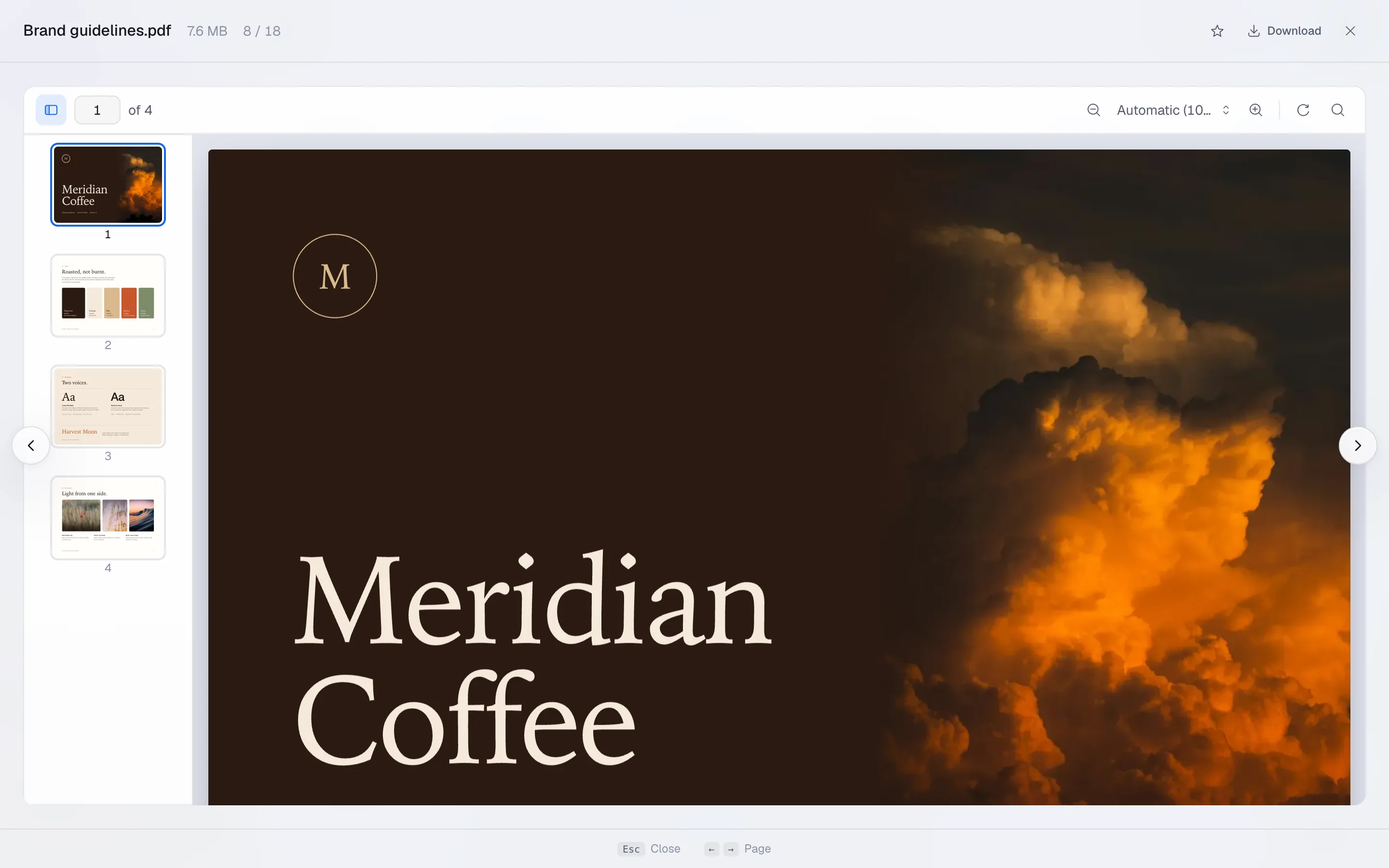
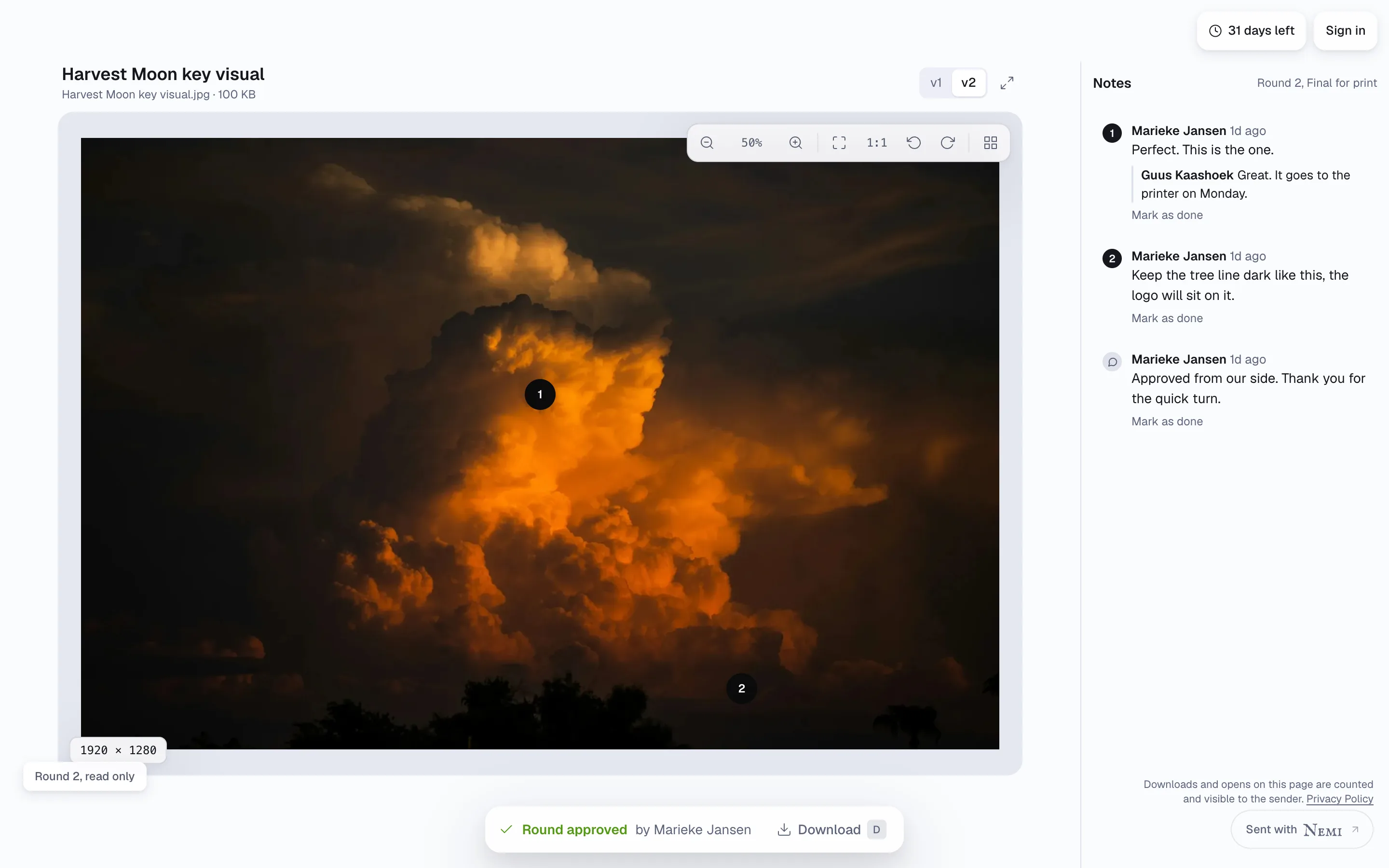
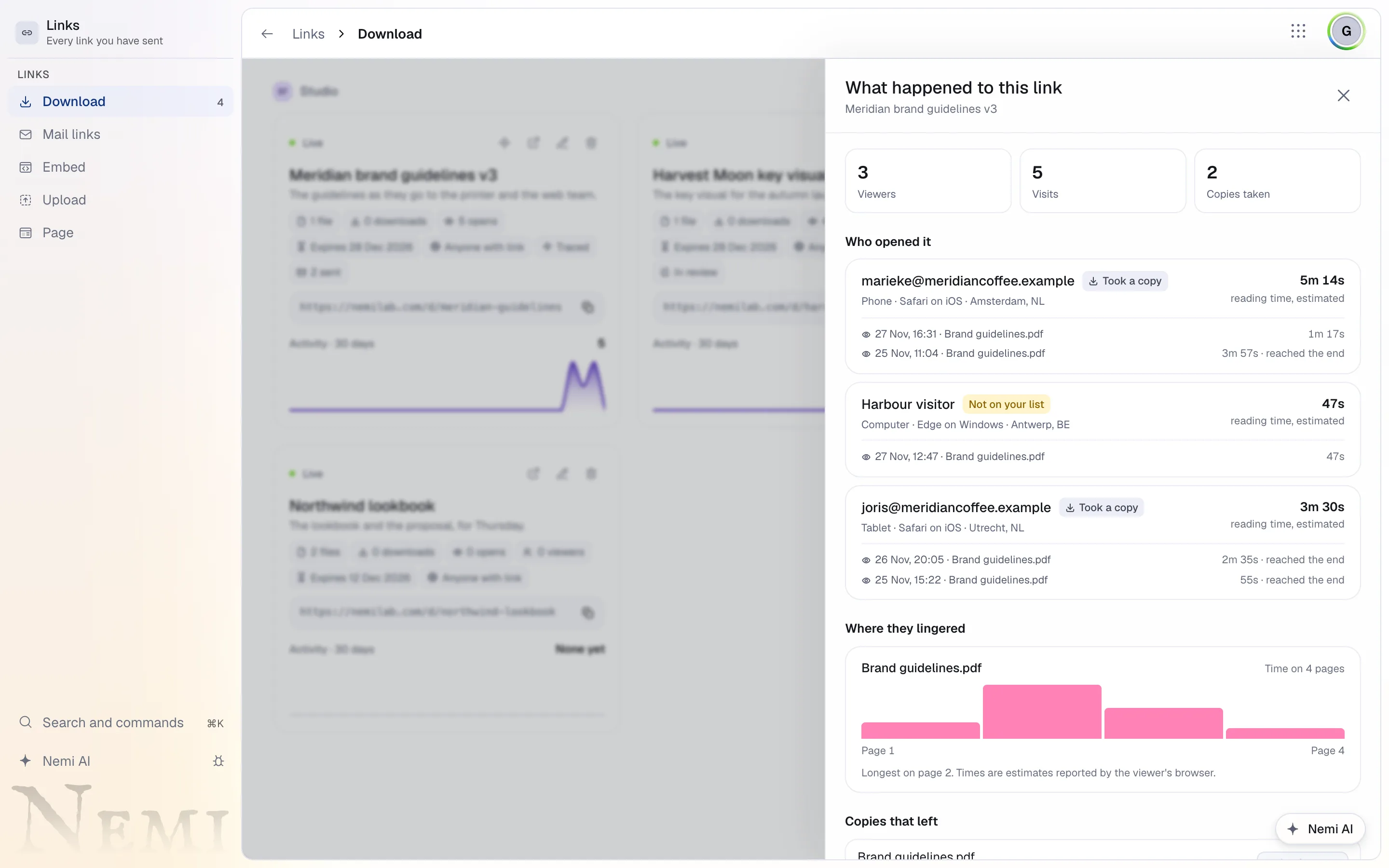
And the AI connection, for the assistant you already use.
Move in once. Cancel the rest.
Nemi is opening in groups. Join the waitlist once and every tool on this page comes with your account when your spot opens.
15 GB free when you get in. No card needed.