Previews, built into Nemi
Look at it before you download it.
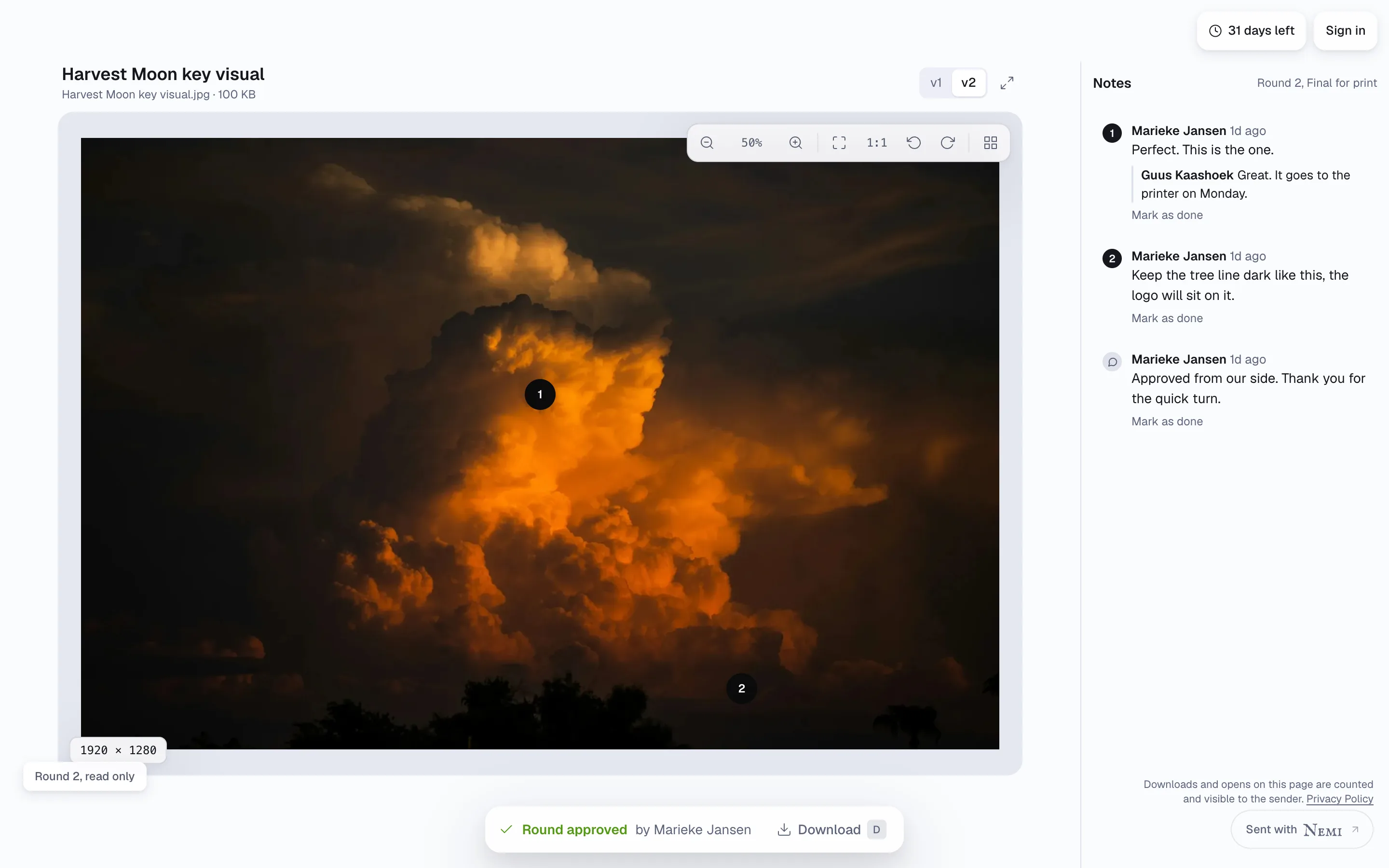
Almost anything stored in Nemi opens right in the browser, for you and for anyone with the link. No account, no plugin.
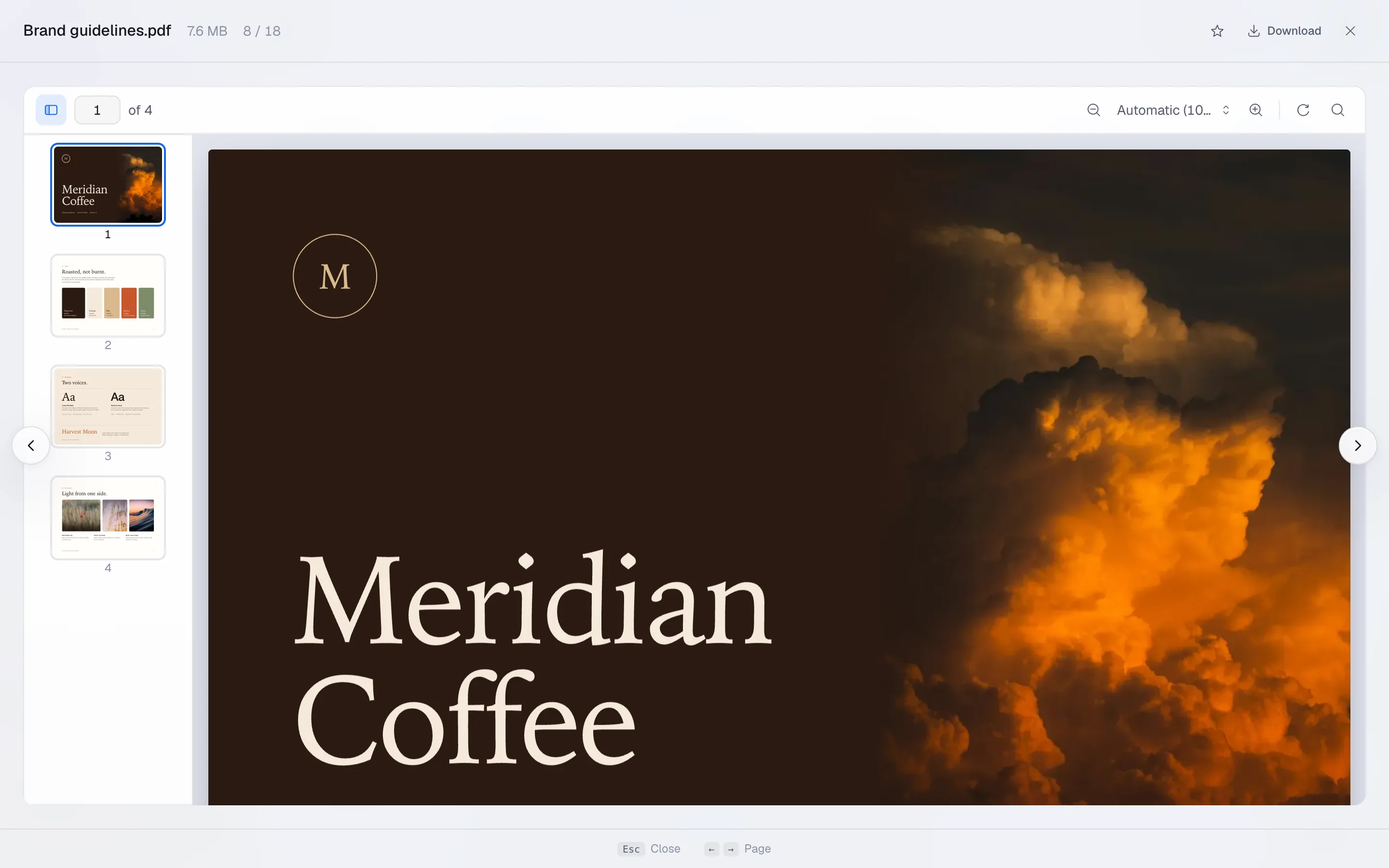
Everything opens. Nothing downloads.
These are the files people actually send, open in the same window. Press space on any file to look, the arrow keys to go to the next one, and escape to close.
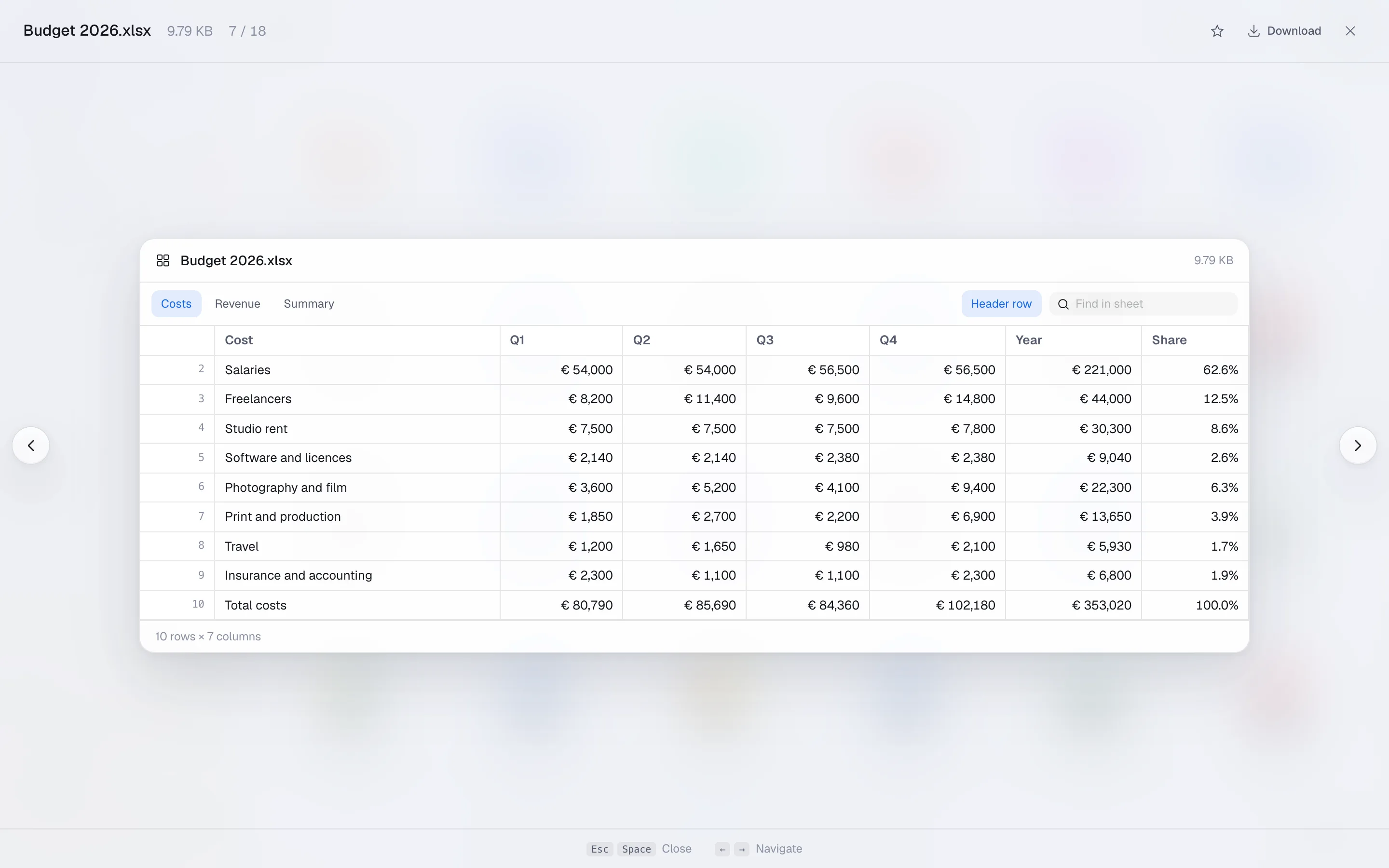
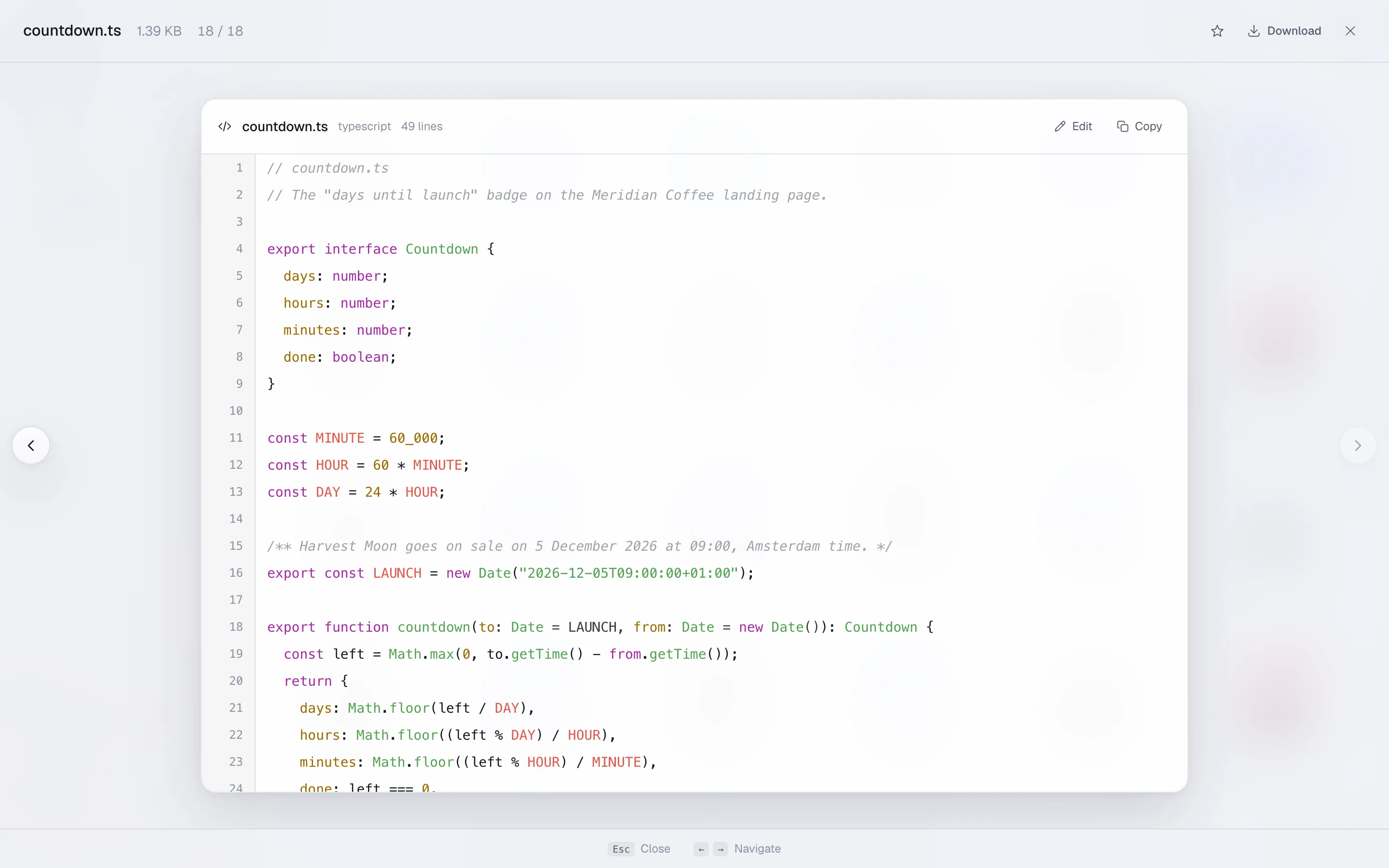
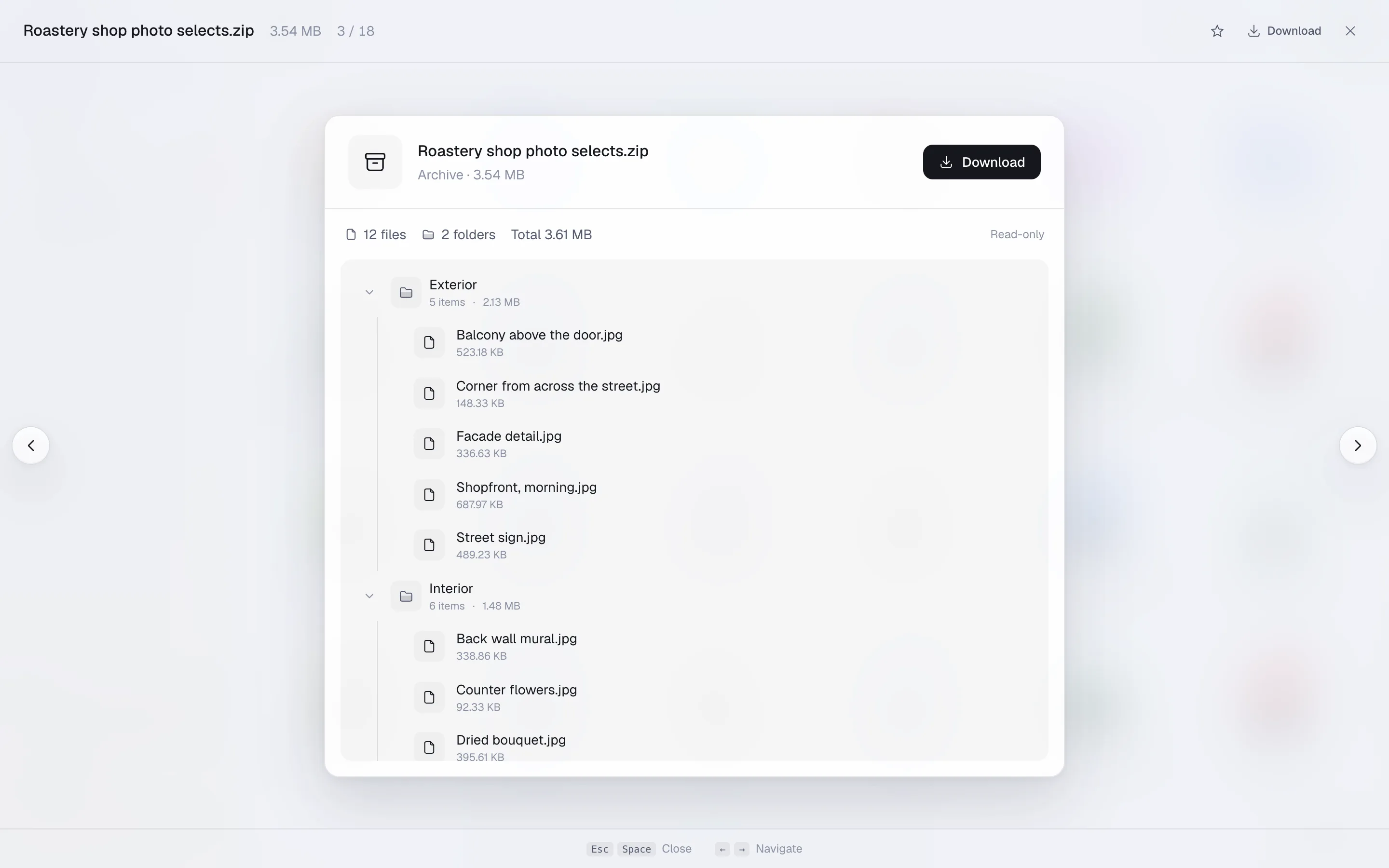
And images, video and audio, 3D models, fonts, subtitles, Markdown and HTML, Word documents and Nemi's own docs and sheets. A format it cannot draw still opens, to its name and a download button.
How it works. Previews in three steps.
1.
Press Space
Preview any file in Files, or open one from a share link. Recipients don't need an account.
2.
Flip through with arrow keys
Step from file to file instantly, so checking a folder of fifty takes a minute instead of fifty downloads.
3.
Download only what you need
The download button is right there once you find the right file.
The fine print, in large type.
Almost anything you store in Nemi opens right in the browser, for you and for anyone you share a link with. No account and no plugin required.
- 01
The formats people actually send
Video and audio, 3D models, PDFs, spreadsheets, browsable archives, syntax-highlighted code, and Nemi's own documents.
- 02
The same preview on every share page
Recipients see the same clean preview on your branded page, even on a phone, without signing in.
Built into every app, like this one.
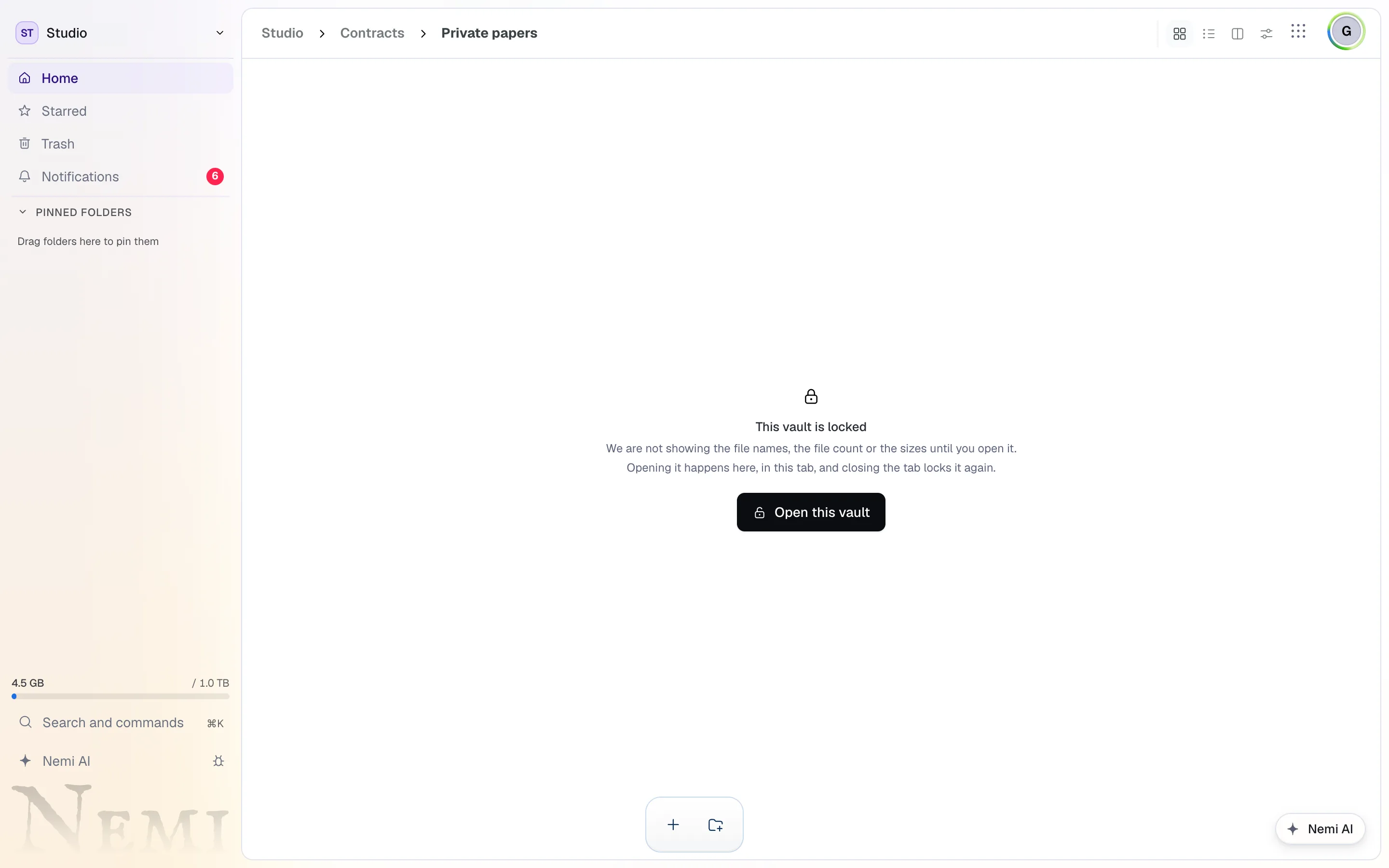
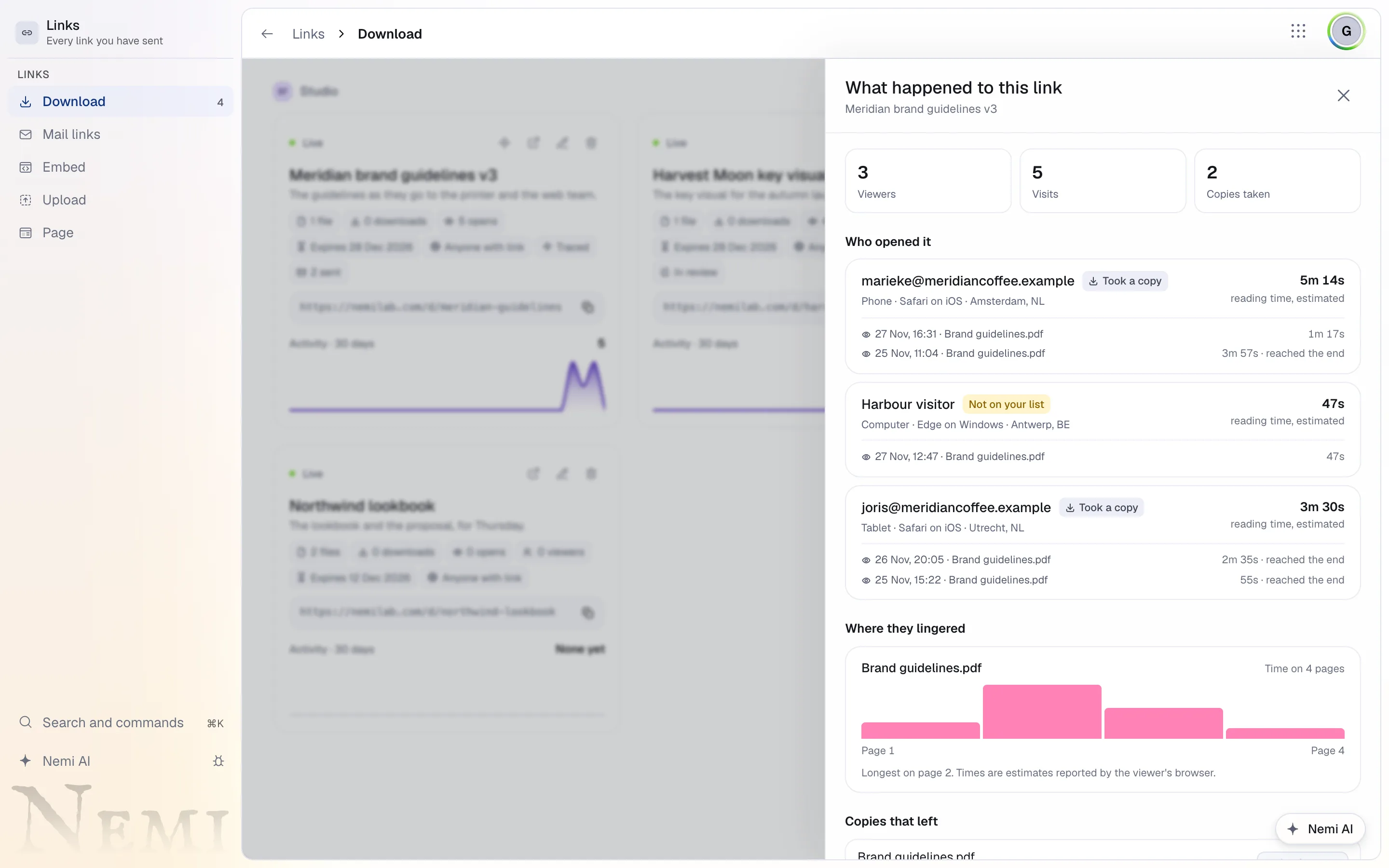
And the AI connection, for the assistant you already use.
Move in once. Cancel the rest.
Nemi is opening in groups. Join the waitlist once and every tool on this page comes with your account when your spot opens.
15 GB free when you get in. No card needed.